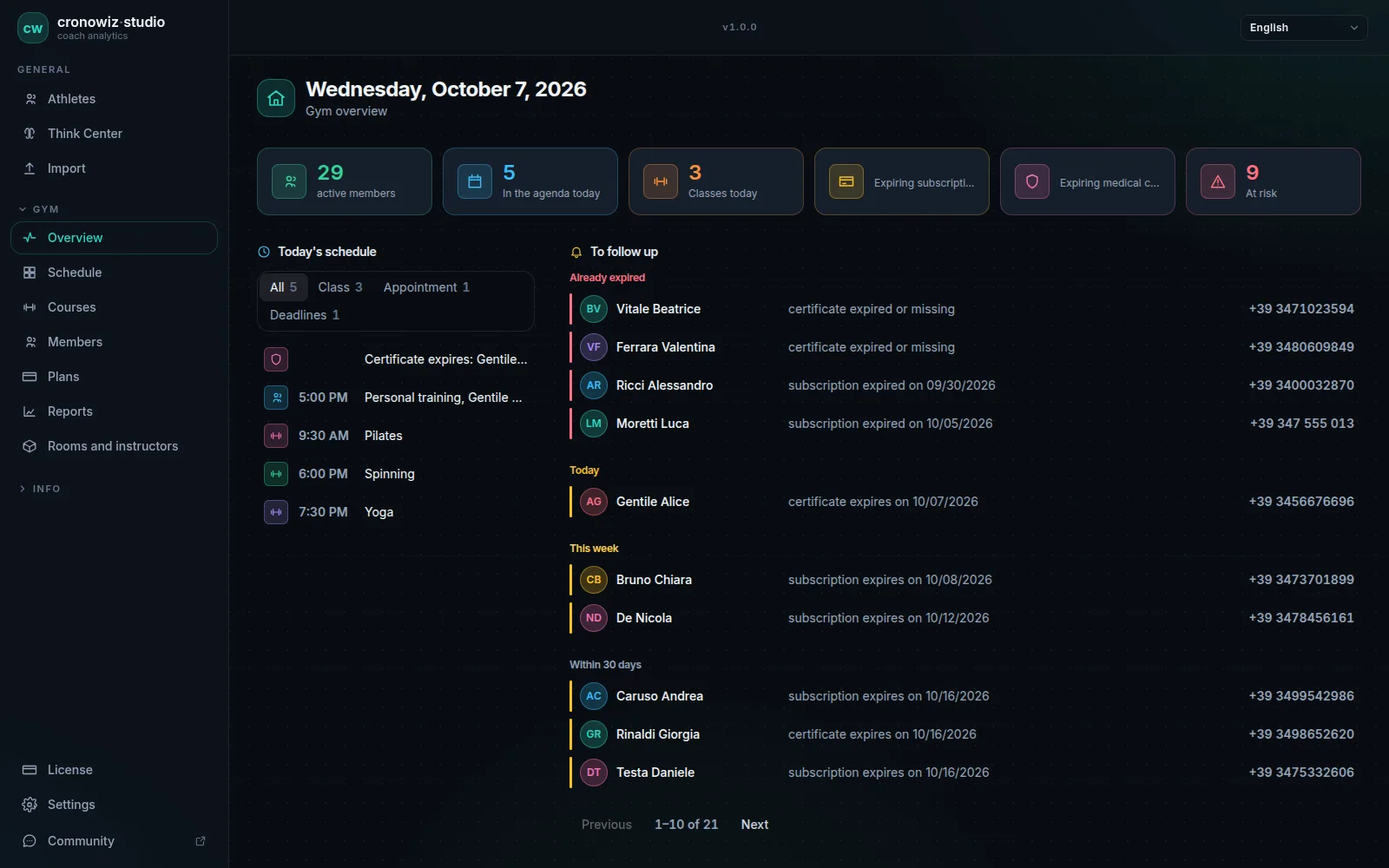
People looking for offline gym software usually start from one of three places: an unreliable connection, a wish to keep members’ data in-house, or tiredness with monthly fees. All three are good reasons, but each leads to different questions, and feature lists rarely answer them directly.
Ask the questions below of any product you are considering, ours included. Where cronowiz Studio is the wrong choice, the answer says so. If you have not yet decided between a cloud service and a program on your PC, start with cloud vs desktop gym software.
-
A list, not a slogan
ask exactly what works without internet, and what does not.
-
Where the data lives
a local database is not the same as a temporary copy in the browser.
-
Backups you can restore
with data in-house, backups are your job, so they must be simple.
-
Cost over five years
compare the total, not the monthly figure.
1. What exactly works without internet?
Ask for the list, not the slogan. Check-ins, selling a membership, seeing who is booked into a class and opening a member’s record are the minimum. Then ask what does need a connection, and how often.
cronowiz Studio: all of the gym’s daily work runs offline. The internet is needed to buy the licence, download updates and move the licence to another computer, and on the training side for route maps and receiving data from athletes’ phones.
2. Where is the data stored?
A program with a local database keeps your data on your computer. A web app with an offline mode keeps a temporary copy in the browser and the real data on the vendor’s server. Both can be fine, but they are not the same thing, and the difference matters for privacy and the GDPR.
cronowiz Studio: one database file on the gym’s computer. Nothing is sent to our servers; the licence server only receives an anonymous fingerprint of the computer.
3. Does the licence need to phone home?
Some desktop programs check their licence online every few days and lock up when they cannot. That defeats the point of offline software.
cronowiz Studio: once activated, the licence does not need to connect. If it stops being valid, for example after you move it to another computer, the program goes read-only and you can still view and export everything.
4. How do backups work, and can you restore them?
With your data in-house, backups are your job, so they must be easy: one action, one file, a restore you can actually test.
cronowiz Studio: a full backup from the settings produces one file, which can be protected with a passphrase; restoring brings everything back exactly as it was. The program also keeps a safety copy of the database before every major update.
5. Can you get your data out?
Ask what you can export, in what format, and whether you still can after you stop paying or the licence ends.
cronowiz Studio: the reports and the list of members at risk export to CSV, and the full backup is always available, in read-only mode too.
6. How do check-ins work when the line is down?
The front door is where an outage hurts first. Ask whether the check-in screen, the scanner or the tablet depends on the internet, and what happens if the main computer is off.
cronowiz Studio: check-ins at the desk by name, PIN or USB QR scanner, and on an entrance tablet that talks to the PC over the local network. See the offline check-in system.
7. Which systems does it run on?
Check the operating system and version of the computer you actually have at the front desk, not the one you might buy one day.
cronowiz Studio: 64-bit Windows 10 and 11 and 64-bit Linux. No Mac yet.
8. How many computers and sites does it cover?
Offline software usually means one computer, or a few on the same network. If you have several sites, or the office and the desk must work at the same time, ask exactly how they share data.
cronowiz Studio: one licence per computer. The gym PC holds the data and stays on; other computers connect to it as workstations, on the same network or from another site over a VPN such as Tailscale. Nothing is copied: there is one database, on the gym PC.
9. What does it cost over five years?
Compare the total, not the monthly figure: a €40 monthly fee comes to €2,400 over five years. For a one-time licence, ask how long updates last and what the next major version will cost.
cronowiz Studio: €199 once, with every update to the major version you buy. The next major version is sold separately, and the one you have keeps working. More on gym software with no subscription.
10. Is anyone maintaining it?
Free and open-source desktop programs for gyms exist, and some are good. Check when the last version came out, whether anyone answers questions and whether it runs on your version of Windows. An abandoned program holding your members’ data is a risk of its own.
cronowiz Studio: the release notes are public, and support answers at info@ypt.ai.
Your gym in one program. Your data in your gym.
Windows and Linux · €199 once, no subscription
The questions people usually ask
What is the best offline gym management software?
The one that answers these ten questions well for your gym. For a gym that works from the front desk and wants its data in-house and no subscription, cronowiz Studio is built for exactly that; for a member app or online payments, a cloud service fits better.
Is there free offline gym management software?
There are free and open-source desktop programs. Check how recently they were updated, whether they run on your version of Windows and whether you can get your data out. cronowiz Studio is not free: it costs €199 once.
What is the difference between offline software and an offline mode?
Offline software keeps its data on your computer and does not need a server. An offline mode is a cloud service keeping a temporary copy so it can get through an outage; the data still lives online.
Is offline gym software GDPR-compliant?
Keeping data on your own computer removes a cloud provider processing it on your behalf, but the gym is still the data controller and must secure the computer and its backups.