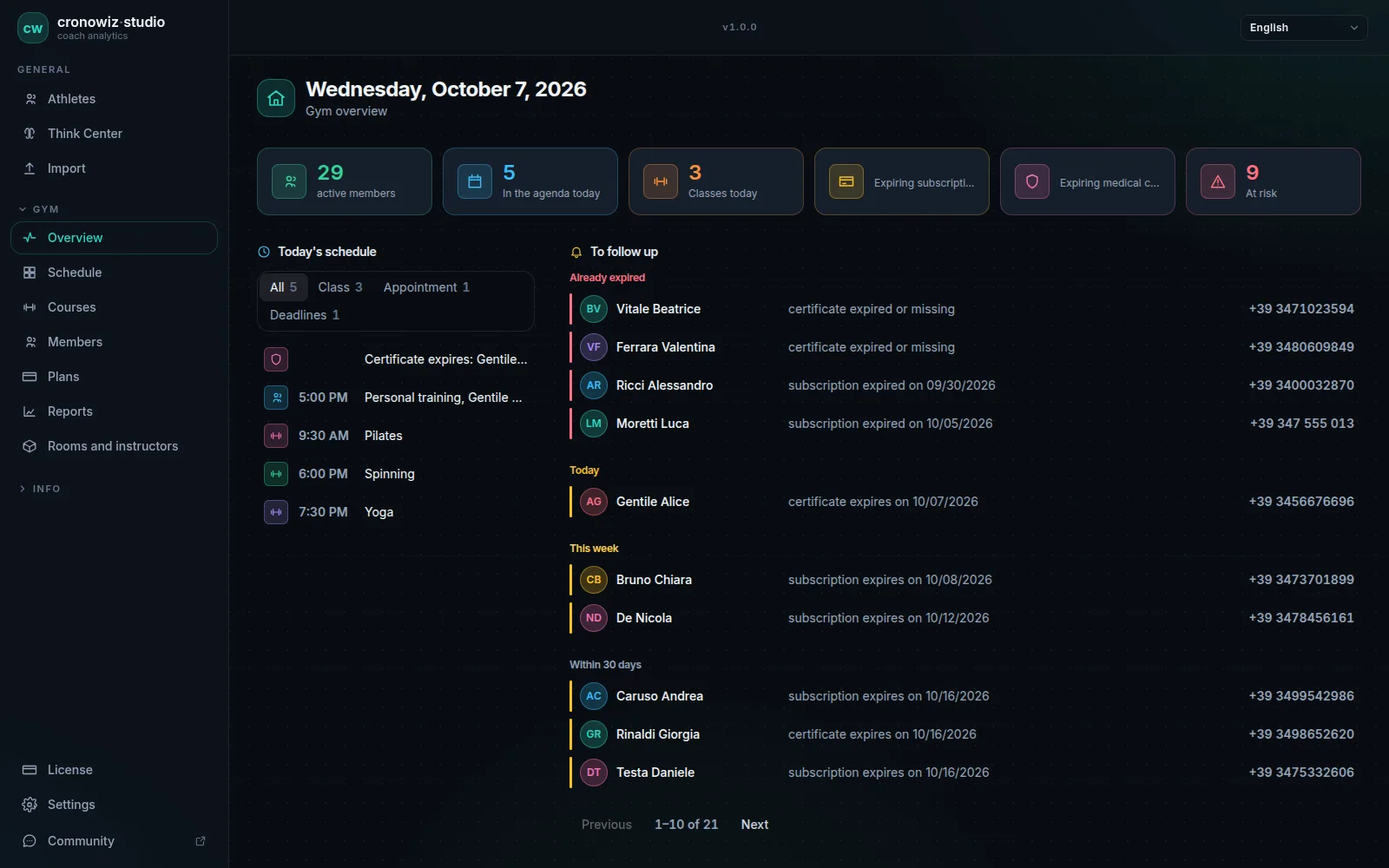
Almost all gym management software today is a cloud subscription. Among the products we compared, published fees range from about $75 to over $300 a month, charged per location, per active member or per module; some have a free plan funded by payment-processing fees, and several publish no price at all and ask for a demo. In return they offer client apps, online booking and payment, messaging and access control.
A desktop program works the other way round. It is installed on one computer, paid for once, keeps data on site and works without a connection. It cannot offer anything that needs an always-on server: no client app, no self-booking, no recurring billing, no web version.
Neither model is better in general. The useful question is where the work happens: if it happens on the client’s phone, you need the cloud; if it happens at the front desk, a program on your PC does the same job for a fraction of the cost over time.
Side by side
| Criterion | cronowiz Studio | Typical cloud gym software |
|---|---|---|
| Pricing model | €199 once | Monthly fee, often per location, member or module |
| Published prices | Yes | Often not: quote or demo |
| Payment fees | None (does not take payments) | Often, if you use built-in payments |
| Where data lives | A file on the gym’s computer | Vendor’s servers |
| Works offline | Yes | Usually not; rarely documented |
| Account | None | Yes |
| Client app and online booking | No | Usually yes |
| Payments, access control, marketing | No | Usually yes, sometimes as add-ons |
| Several computers on the same data | Yes, linked to the gym PC, also from home over a VPN; one licence per computer | Yes, from any device |
| Backups | Yours, one click | Vendor’s |
Information about other products checked on their websites on 2026-10-07. Prices and features may change.
-
Cost: subscription or once
the cloud is paid monthly for as long as you use it; Studio costs €199 once for the whole major version you buy.
-
Data: on a server or on site
in the cloud it sits with the vendor; with Studio it is a file on the gym’s computer, with backup and exact restore.
-
Connection: required or not
without a network a cloud service will not open; after purchase Studio works fully offline.
-
Clients: inside or outside
the cloud gives clients apps, bookings and payments; with Studio everything goes through the front desk.
Four questions to decide
First: do your clients book or pay on their own? If yes, you need the cloud. Second: do you or your instructors need to work from a phone or a browser? Cloud again. Third: does entry go through turnstiles or key fobs linked to the system? Cloud again, or at least a system with access control.
Fourth: if all the answers are no, how much do you pay each month for features you do not use, and where do you want your members’ data to live? This is where a program on your PC makes sense: one gym or studio, one front desk, clients who pay at the counter.
When cloud software is the better choice
The cloud is the right choice if you sell bookings through an app, collect dues by recurring billing, run email and SMS campaigns, manage several locations or want to check the numbers on your phone. It also handles backups for you: you never have to think about copying a file.
Studio has none of these features and does not imitate them. Anyone who needs them would be making a mistake by choosing a desktop program to save money.
What a program on your PC involves
It involves a bit more responsibility. You make the backup, from the settings, and copy it wherever you prefer. Studio’s licence is tied to one computer: if you replace it, you move the licence by starting the transfer from the old one while it is online, up to 3 times. If the computer dies with no backup, the data is lost, like any file.
In return, nobody can raise your fee, the front desk works when the line goes down, and members’ data does not leave the gym: the licence server receives only an anonymous fingerprint of the computer. Studio runs on Windows 10/11 and 64-bit Linux, not on macOS.
Your gym in one program. Your data in your gym.
Windows and Linux · €199 once, no subscription
The questions people usually ask
Is desktop gym software safer than cloud software?
It is different. In the cloud the vendor handles security; with a program on your PC it depends on how you protect that computer and how often you back up. The advantage of desktop is that the data does not pass through anyone’s server.
How much does cloud gym software cost?
Among the services we checked, published fees range from about $75 to over $300 a month, plus payment fees where they apply. Many do not publish a price.
Can I use Studio from home?
Yes, from another computer with Studio and its own licence, connected to the gym PC as a workstation over a VPN such as Tailscale. The gym PC has to stay on. There is no web version.
How long does the Studio licence last?
Forever for the major version you buy, with all its updates. The next major version is sold separately, and the one you have keeps working.
What if a cloud vendor shuts down or raises prices?
With a cloud service you depend on the vendor to reach your data. With Studio the program keeps working and the data stays in the file on your computer.
Is there a withdrawal period for Studio?
Not for a change of mind: the perpetual licence is activated immediately at the buyer’s request. The legal guarantee of conformity still applies; terms are at cronowiz.com/licenze/termini.