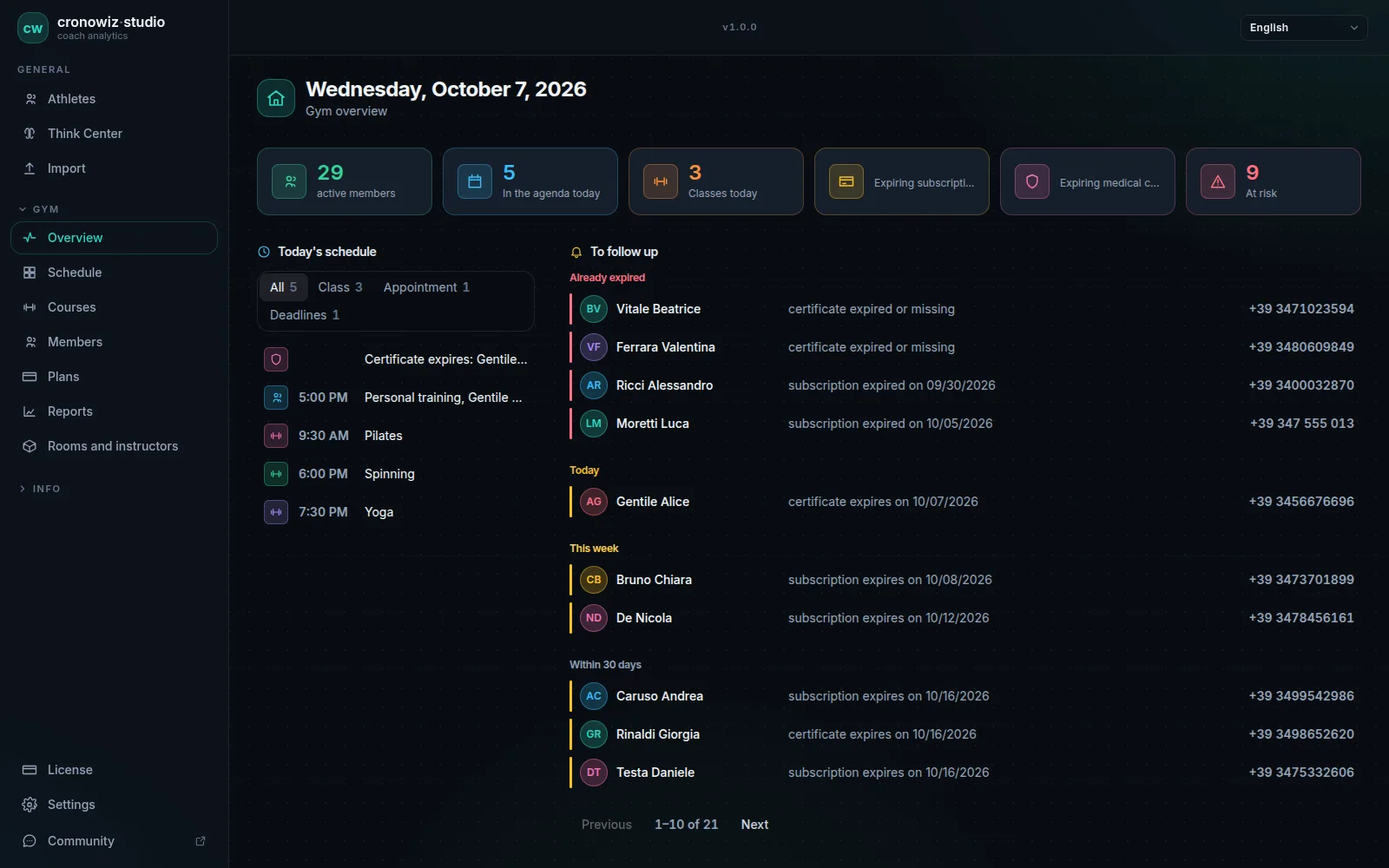
Gyms running Linux have usually had two options: web software in the browser, or a Windows program in a virtual machine. Studio is a native desktop program on Linux too, with the same interface and the same database as the Windows version.
There are two packages. The AppImage runs on any 64-bit distribution without installing anything: download it, make it executable and open it. The .deb installs on Debian, Ubuntu, Mint and derivatives, and puts the program in the menu like any other. For both we publish SHA-256 checksums so you can verify the download.
The price is the same, €199 once, and so are the rules: licence on one computer, movable up to three times, no account. The data is a local file and the program works offline: you need the internet only to buy it, to download updates and to move the licence. A lightweight Linux install is often the cheapest way to put an old front-desk PC back to work.
-
AppImage
any 64-bit distribution, runs without installing.
-
.deb package
for Debian, Ubuntu, Mint and derivatives, with a menu entry.
-
Same features as Windows
members, memberships, schedule, reports and training analysis.
-
SHA-256 checksums
to check the downloaded file is the one we published.
Installing
With the AppImage: download the file, make it executable from the file’s properties or with chmod +x, and run it. With the .deb: open it with your distribution’s package installer, or install it from the terminal with apt.
At first launch you accept the terms of sale and buy the licence from inside the program, through Stripe. From then on you work offline.
The full backup is taken from the settings and is an ordinary file: copy it to an external drive, a NAS or wherever you prefer.
Limits to know about
You need a 64-bit system; there are no packages for 32-bit ARM, Flatpak or Snap. There is no macOS version and no web version to open from another computer.
As on Windows: no member app, no card payments or turnstiles.
Why a native program
Web-based gym software runs on Linux too, but it depends on the connection and the vendor’s server. A Windows program in a virtual machine works, but it needs an extra Windows licence and adds a layer of complexity to the front-desk computer.
Studio on Linux is the same program as the Windows version, built for Linux: the same local database, the same features, the same training analysis with fitness, fatigue, HRV, 1RM and VO2max. The interface is in 14 languages with regional formats for dates and money. For anyone who looks after the gym’s computers themselves, it is one more package to update, not one more system.
Your gym in one program. Your data in your gym.
Windows and Linux · €199 once, no subscription
The questions people usually ask
Which distributions does it run on?
The AppImage runs on any 64-bit Linux distribution. The .deb is for Debian, Ubuntu, Mint and derivatives.
Does the Linux version have fewer features?
No. It is the same program with the same features as the Windows version.
Can I move the licence to another Linux computer?
Yes, up to three times, starting the move from the old computer while it is online. You bring the data across with the backup.
Is there a Flatpak or Snap?
No. There is an AppImage and a .deb.
How much does the Linux version cost?
The same as Windows: €199 once, with no subscription.
Do I need the internet to use it on Linux?
Only to buy it and to move the licence. Otherwise Studio works offline, as on Windows.