Outages are rarely long, but they come at bad times: a line fault on a Monday evening, a router that needs restarting during the 6 pm rush, or the vendor’s own downtime, which has nothing to do with your connection. For those minutes or hours, staff are guessing who has a valid membership and who is booked into the class.
There are two ways to deal with it. One is to make the connection more reliable and prepare a manual fallback. The other is to stop depending on the connection for daily work, with offline gym management software installed on the front-desk PC. The first is worth doing anyway; the second is what cronowiz Studio is built for.
-
Prepare
a regular export of members, a paper check-in sheet and a backup connection.
-
Diagnose
is it your line or the vendor’s service? The fix is different.
-
Recover
copy everything back the same day, and count how often it happens.
-
Remove the dependency
offline software keeps members, bookings and check-ins on the front-desk PC.
Before the next outage: a fallback plan
If your gym software lives online, a little preparation goes a long way:
- keep an up-to-date export or printout of active members, expiry dates and today’s bookings, refreshed every morning or at least every week
- have a paper check-in sheet ready, with columns for name, time and notes, and decide who copies it back into the system afterwards
- agree a rule for doubtful cases: let the member in and check later, or ask them to wait
- write down the vendor’s status page and support contacts, and your internet provider’s fault line
- consider a backup connection: a mobile hotspot, or a router that switches to 4G or 5G by itself when the main line fails
During the outage
First find out whether the problem is yours or the vendor’s. If other websites load, your connection is fine and the service is down, so there is nothing to restart. If it is your line, restart the router once, switch to the backup connection if you have one, and move the front desk to the paper sheet rather than keep refreshing the page.
Tell members what is happening, briefly. Most people do not mind signing a sheet; they mind standing in a queue while someone stares at a loading screen.
After the outage
Copy the paper check-ins and any memberships sold during the outage back into the system the same day, while people still remember the details. Then note how long the outage lasted and what it cost. If it happens every few weeks, the fallback plan has turned into a second way of running the gym.
When offline software is the better fix
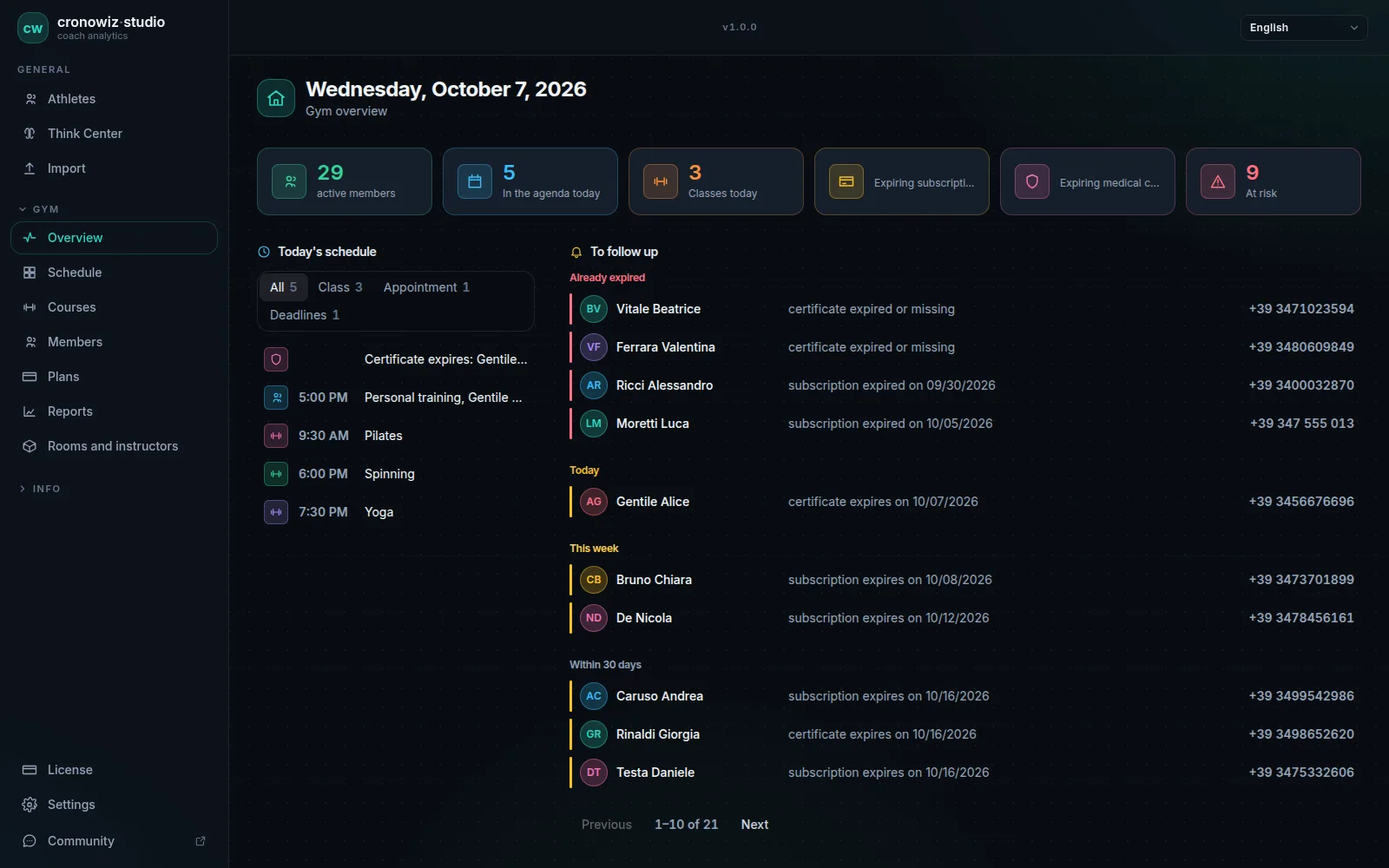
With cronowiz Studio the member list, memberships, entry passes, bookings, check-ins and reports live in a database on the front-desk PC, so an internet outage does not reach them. Check-ins at the desk carry on, and an entrance tablet keeps working too, because it talks to the PC over the gym’s local network, not over the internet. The offline check-in system page explains how.
A power cut or a broken PC is a different matter: the data lives on the front-desk PC, so a UPS for the front-desk PC and a recent backup on a USB stick are what protect you there. A tablet with the Studio certificate installed keeps queuing check-ins while the PC is off, and sends them later.
What offline software does not solve
Anything that has to reach the outside world still needs a connection: card payments, emails and messages to members, online booking from home. Studio does not do those things in the first place, so if your gym depends on them, keep the fallback plan above for that part.
Your gym in one program. Your data in your gym.
Windows and Linux · €199 once, no subscription
The questions people usually ask
What should a gym do when the internet goes down?
Check whether it is your line or the software vendor’s service, switch to a backup connection if you have one, and record check-ins on a paper sheet to copy back afterwards. Gyms that use offline software can carry on as normal.
Can gym software work without the internet?
Yes, if it is installed on a computer rather than used in a browser. cronowiz Studio keeps members, memberships, bookings and check-ins on the front-desk PC and works without a connection.
Is a 4G backup router worth it for a gym?
If the gym depends on cloud software, card terminals or online booking, it usually is: it switches over by itself when the main line fails. With offline software it matters less for the front desk, but it still helps with payments and messages.
What happens to check-ins during a power cut?
With cronowiz Studio, a tablet with the Studio certificate installed queues the passes and sends them when the PC is back on. A UPS on the front-desk PC covers short cuts.