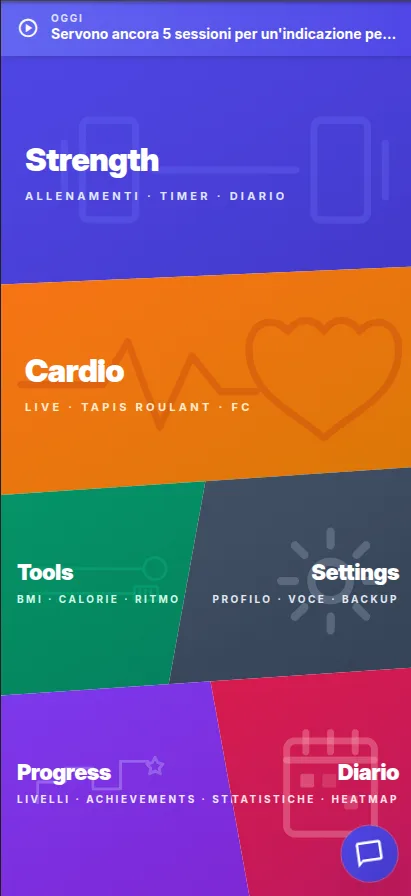
The browser now reaches the hardware that a training app actually needs: the camera for pose detection and heart-rate measurement, Bluetooth for straps and treadmills, motion sensors for cadence, the GPU for an on-device language model, GPS for outdoor sessions, and a storage layer that survives being closed.
cronowiz uses all of it from a page. You open a link, install it if you want a home-screen icon, and after the first load it works with no connection. There is no store review between a fix and your phone, and no platform account between you and the app.
It is not free of limits, and pretending otherwise would be dishonest. iOS does not expose the camera torch, so measuring HRV from the camera does not work there. WebGPU is not on every device, so the local coach is not either. Where a capability is missing, the app checks and tells you rather than failing quietly.
-
Install from a link
no store, no platform account, no review queue between fixes and you.
-
Real hardware access
camera, Bluetooth, motion sensors, GPS and GPU, from a page.
-
Offline after first load
timers, programs, strength sessions and the diary need no network.
-
Android app too
if you would rather install from Google Play, the same app is there.
Free. Private. Yours.
No account. No server. No cookies. Just you, your phone, and an app that minds its own business. cronowiz is a free PWA that runs entirely on your device — your data never leaves. Ever.
The questions people actually ask
How do I install it?
Open the app in Chrome or Edge and choose "Install app"; on Android use "Add to home screen". On iOS, Safari’s share sheet has the same option.
What does not work on iPhone?
Camera-based HRV, because WebKit does not expose the torch and the measurement needs the flash. Everything else works; a Bluetooth strap covers HRV on iOS.
Is the Play Store version different?
It is the same app packaged for Android. Same privacy, same absence of accounts — it is a matter of how you prefer to install it.